
How to add an email signature in AOL Mail
Turn on an AOL Mail signature, format text, add links or an image, and understand the separate options in AOL Desktop Gold.
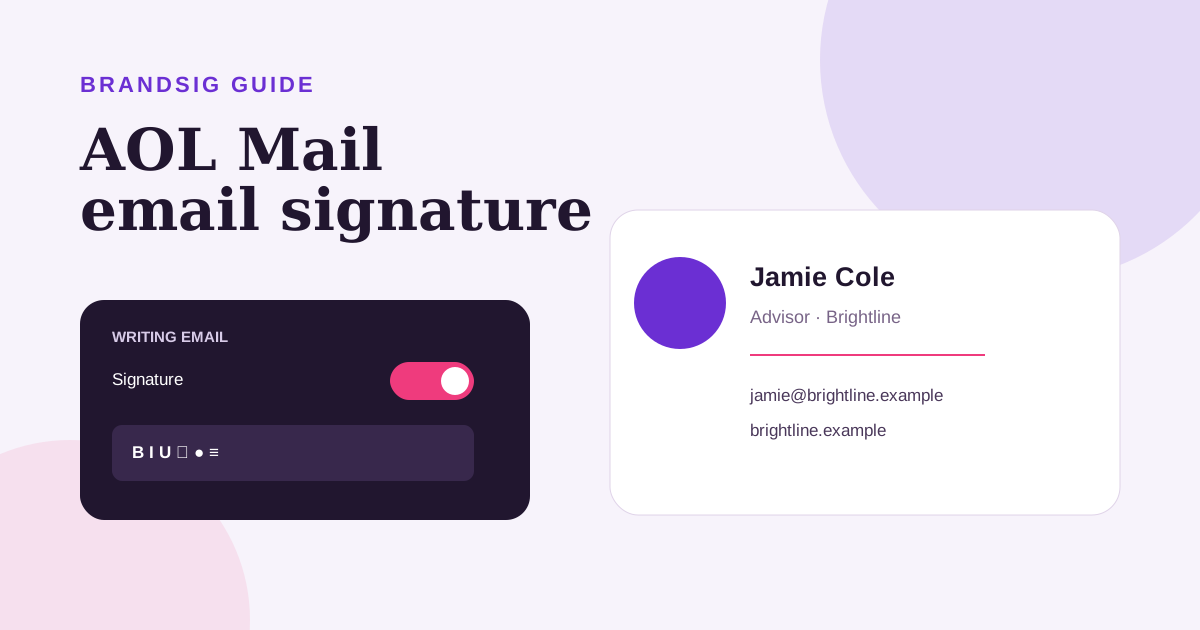
AOL Mail's current web interface includes a visual signature editor with fonts, colors, links, images and alignment. The feature is controlled by a toggle for each username, so entering content is not enough if the switch remains off.
This guide covers AOL Mail on the web and the separate multi-signature workflow in AOL Desktop Gold.
Add a signature in AOL Mail on the web
- Sign in to AOL Mail.
- Click Settings.
- Choose More Settings.
- Select Writing email.
- Find Signature.
- Turn on the toggle beside the username.
- Enter and format the signature in the editor.
- Start a new message and verify the preview.
AOL's official signature help documents text styling, emoji, hyperlinks, images, alignment, indentation and lists in the current editor.
Build a clean professional signature
Start with identity rather than decoration. Include your name, role, company, website and one useful contact method. A short legal or availability line can follow when necessary.
The editor offers many controls, but a signature with several fonts, colors and emoji becomes harder to scan and less reliable when forwarded. Use one system font, one accent color and a restrained logo. The professional signature examples show layouts for different roles without visual clutter.
Add a link
Select the text that should be clickable, choose the hyperlink control and paste the complete destination beginning with https://. Link meaningful text such as the company name or Book a time rather than exposing a long tracking URL.
Send the signature to another account and click the received link. The editor preview cannot reveal a typo, redirect loop or calendar that is not publicly accessible.
Add an image or logo
Use the picture control in the signature toolbar. Choose a compact, optimized logo rather than a full-width banner. Keep your name and contact details as text so the signature remains understandable when images are blocked.
If the image is much larger than its displayed size, resize and compress the source before inserting it. A visually small but physically huge file still adds weight and can appear blurry or oversized after a client rewrites the markup.
Paste a BrandSig design
Create the signature in BrandSig, copy the rendered design and paste it into the AOL signature editor. AOL's editor is visual, so paste the visible result rather than raw HTML source.
After pasting, remove any unnecessary blank lines and check the logo size. Keep the design simple enough for the editor to preserve: common fonts, clear links and a compact table-based structure. If columns collapse, use a single-column version.
Understand AOL Desktop Gold
AOL Desktop Gold has its own signature manager. Open Mail > Set Mail Signatures to create, name and save a version. The desktop product supports up to five signatures and lets you choose one as the default.
Those controls are not the same as More Settings > Writing email in browser-based AOL Mail. If a web change does not appear in Desktop Gold, edit the signature in the desktop application rather than repeatedly toggling webmail.
Create several Desktop Gold signatures
In Set Mail Signatures, open the signatures dropdown and choose Add New Signature. Give each version a clear name and save it. Select a signature in the dropdown and use Default On/Off to make it automatic.
A useful set is a full professional signature, a compact reply version and a personal version. Five variations are available, but maintaining fewer versions reduces outdated phone numbers and inconsistent links.
Fix common AOL signature problems
The signature does not appear. Make sure the toggle beside the username is on, then start a new message.
Changes appear only in webmail. AOL Desktop Gold has a separate signature manager.
Raw HTML is visible. Use the visual editor and paste the rendered signature, not source markup.
The logo is too large. Resize the actual file before inserting it and send a phone test.
A link is not clickable. Add it through the hyperlink tool and include the full https:// destination.
The signature duplicates. Check whether another mail client or server-side rule also adds a sign-off.
Test a sent message, not only the editor
Send to Gmail or Outlook, open it on desktop and phone, reply and forward it once. Check the image with remote content blocked and confirm that the contact details survive as text. AOL provides enough formatting for a professional result; the best version uses only the controls that improve clarity.